Audit before you ship.
Give your coding agent tools to check source code, dependencies, secrets, and workflows. Bring the findings back into the same conversation to investigate and plan a fix.
Connect your agentSECURITY TOOLS FOR AGENTS
Offense gives AI coding agents security tools to audit code, check dependencies, and build DevSecOps workflows. Connect your agent through the CLI, MCP, or API.
brew tap offense-research/offense https://github.com/offense-research/offense.git
brew install offense-research/offense/offensemacOS + Linux Includes Node.js
npx --yes --allow-remote=all --package=https://offense.sh/downloads/offense-cli.tgz offense --helpNode.js 20+ Try it without a global install
npm install --global --allow-remote=all https://offense.sh/downloads/offense-cli.tgzNode.js 20+ Install globally, then run offense --help
sudo apt-get update && sudo apt-get install -y curl ca-certificates
curl -fsSL https://deb.nodesource.com/setup_24.x | sudo -E bash -
sudo apt-get install -y nodejs
npm install --global --allow-remote=all --prefix "$HOME/.local" https://offense.sh/downloads/offense-cli.tgz
export PATH="$HOME/.local/bin:$PATH"
offense --helpUbuntu 22.04 / 24.04 Installs Node.js 24 via NodeSource with sudo, then the CLI in your home directory. Review the setup script before running. Keep ~/.local/bin in your shell's PATH for future sessions.
sudo pacman -Syu --needed nodejs npm
npm install --global --allow-remote=all --prefix "$HOME/.local" https://offense.sh/downloads/offense-cli.tgz
export PATH="$HOME/.local/bin:$PATH"
offense --helpArch Linux Updates system packages and installs Node.js + npm, then the CLI in your home directory. Keep ~/.local/bin in your shell's PATH for future sessions. No AUR package required.
Hosted-service CLI Installation guide
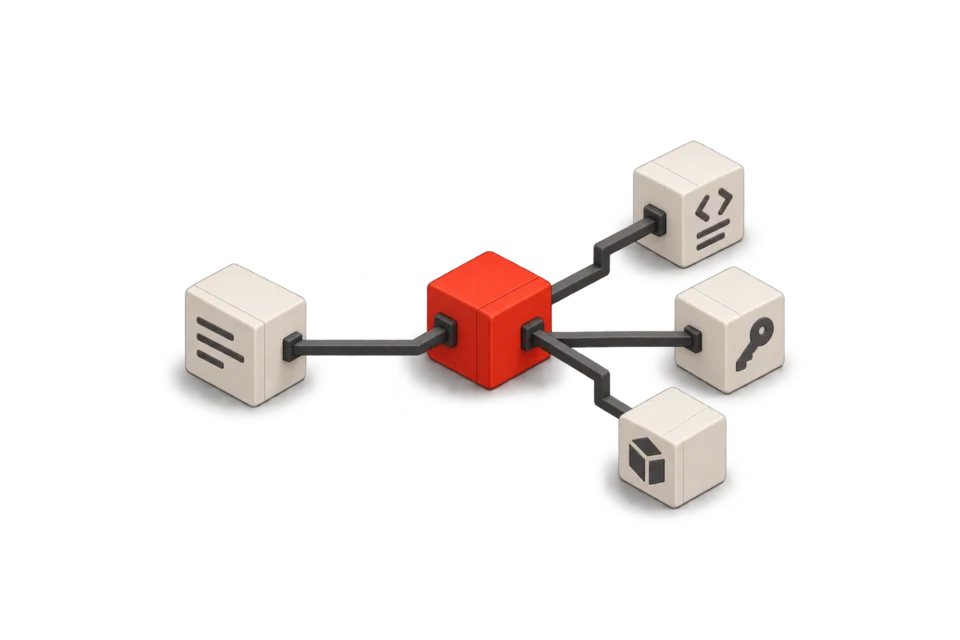
Check my dependencies before I ship.
semver@7.5.1 — Regular expression denial of service
Proposed upgrade7.5.1 to 7.5.2
01 / YOUR WORKFLOW
A model can reason about your code. It also needs tools to check it. Offense connects agents to scanners and dependency intelligence, so security checks can be part of the work—not a separate handoff.
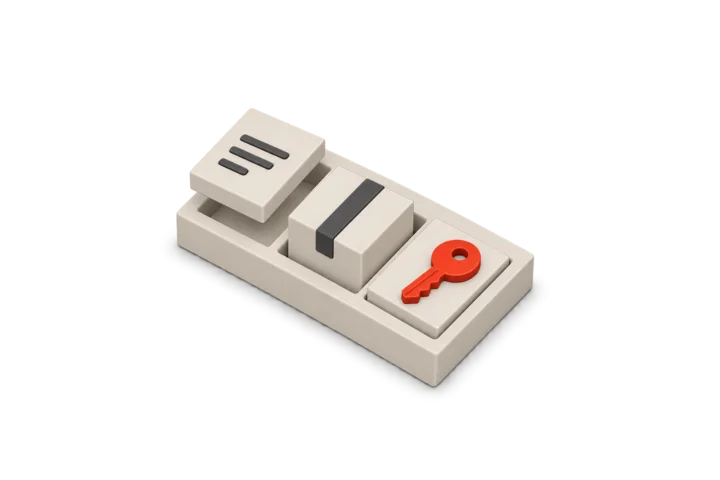
Give your coding agent tools to check source code, dependencies, secrets, and workflows. Bring the findings back into the same conversation to investigate and plan a fix.
Connect your agentStart with security tools instead of scanner integrations. Use Offense through the CLI or API to build a focused review agent around your repositories, instructions, and development process.
Read the integration guide02 / IN PRACTICE
Give your agent a security task. It uses Offense to run the checks, then brings the findings back to your code for review and testing.
0104
03 / BUILD WITH OFFENSE
Five things you can build. Your codebase, your rules, Offense under the hood.
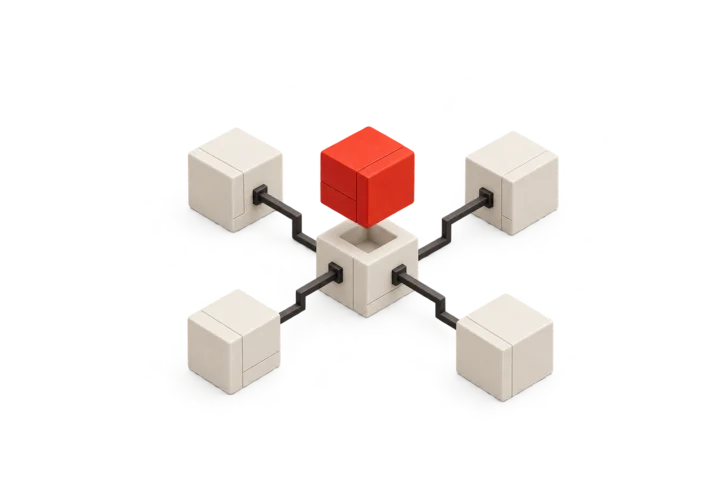
01 / KEEP DEPENDENCIES CURRENT
A Dependabot-style updater that follows your upgrade policy—not just the latest version.
“Audit our npm packages every Monday. Propose upgrades for vulnerable dependencies, run the tests, and open a PR. Ask before major upgrades; never auto-merge.”
POWERED BY Dependency audit + upgrade suggestions

02 / GIVE EVERY PR A SECURITY PASS
Find risky code and exposed secrets before a human reviewer opens the diff.
“Scan changed source files on each PR. Investigate findings in context, then draft a review with the affected code and a suggested fix. Don’t approve or merge.”
POWERED BY Opengrep + Gitleaks

03 / KEEP KEYS OUT OF GIT
Catch credentials before commit. Flag what needs removal or rotation.
“Check staged file contents for credentials. Keep values redacted, pause for review, and explain how to remove a match or rotate an exposed key.”
POWERED BY Gitleaks
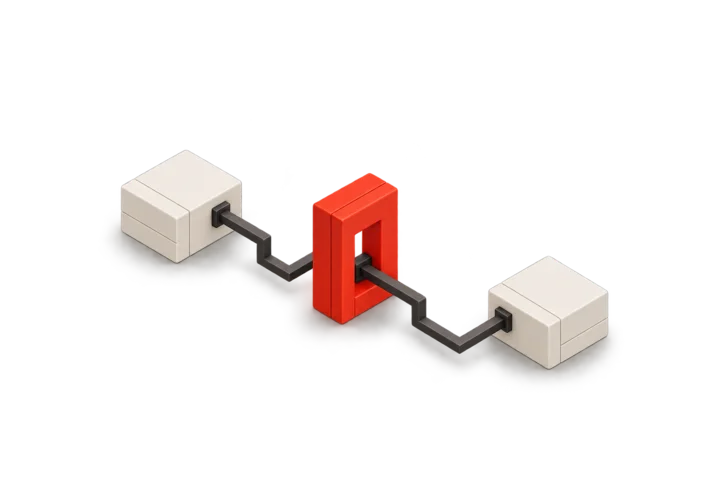
04 / CHECK THE PIPELINE
Spot unsafe shell input and risky permissions in GitHub Actions.
“Review changed Actions YAML for risky permissions and untrusted shell input. Propose a safer configuration without running the workflow.”
POWERED BY Zizmor
05 / FIND THE EDGE CASES
Probe a local API against its schema. Turn failures into test cases.
“Review our OpenAPI spec and run bounded tests against the prepared local API. Reproduce failures and propose regression tests. Never target production.”
POWERED BY Spectral + local Schemathesis
Requires a prepared app, OpenAPI schema, Docker, and scanner image.
You build the agent. We supply the checks. These are starting points, not prebuilt bots. Bring your runtime, repository access, triggers, tests, and approval rules.
04 / THE TOOLKIT
Established security engines, ready for your agents.
One API key. Prepaid tool calls.
Trivy
Opengrep
Zizmor
Opengrep / Source files
Trivy / Lockfiles
Gitleaks / Source files
Trivy / IaC files
Trivy / SBOM
Trivy / Image archive
Gitleaks / Git bundle
GuardDog / npm archive
GuardDog / PyPI archive
Spectral / OpenAPI
Cosign / Signature bundle
ZAP / HAR capture
Zizmor / Workflow YAML
No tools in this category.
Scanner catalog by Offense. Open portal
Via the Offense skill
Opengrep + Zizmor
Schemathesis / Docker
05 / OUR DIRECTION
Agents are changing how software gets built. We think security should be part of that workflow from the start.
We’re building toward a security platform and harness for agents: a place to equip them, build security workflows, and make those workflows your own.
Today, we’re starting with the tools. Code audits, dependency checks, and the building blocks for your own DevSecOps agents. That’s the first step, not the finish line.
06 / GET STARTED
Copy this into your coding agent.
Set up Offense from https://offense.sh/llms.txt Sign in once. Top up with Whop. Start a new agent session after setup.
07 / COMMON QUESTIONS
The tools, the setup,
and where your agent takes over.
Offense is a security toolkit for AI coding agents, built by Offense Research. It provides dependency audits, source and workflow checks, and other security tools through CLI, MCP, and HTTP API. Your agent investigates the findings, makes authorized changes, and runs your tests. The broader agent-security platform and harness is the direction we’re building toward.
Offense works with coding agents such as Claude Code, Codex, Cursor, Pi, OMP, and Hermes through skills, CLI commands, or MCP. Your agent keeps its existing model, repository access, and permissions. Follow the per-agent setup instructions; a chat-only client without tool access cannot run the CLI.
Yes. Use Offense’s tools to build a dependency-upgrade agent, a security-focused PR reviewer, a secrets guard, a CI reviewer, or an API tester. These are workflows you build, not preinstalled bots or drop-in replacements for Dependabot or human reviewers. You supply triggers, repository access, instructions, tests, and approval rules. Start with the documented agent recipes.
The Offense source is public, with an Apache-2.0 root license and component notices. Basic npm/pnpm dependency advisory audits are free and need no Offense account or model key. Optional hosted tools use quoted, prepaid per-tool pricing. Check the current catalog for availability and prices; approve a spending ceiling before a paid call.
It depends on the workflow. Local dependency analysis queries public advisory and package metadata without uploading source code. Hosted source checks require selected files or artifacts to be sent to the service. Preview and approve that scope first. You can also self-host Offense. Installing the CLI or skill does not authorize uploads, active testing, or paid scans.
Use the Homebrew, npx, or npm commands above for the hosted-service CLI. Homebrew supports macOS and Linux and supplies Node.js; npm and npx require Node.js 20+. These commands install or run the client, not scanner engines or your agent’s skill. To connect a coding agent, use the agent setup prompt and start a new session afterward.